Shape your tank
Layer plants, caves, rock, color, and small details into a place that feels yours.

A living virtual aquarium
A free browser-based virtual aquarium game: build, decorate, and care for your own living tank.
Start playingLayer plants, caves, rock, color, and small details into a place that feels yours.
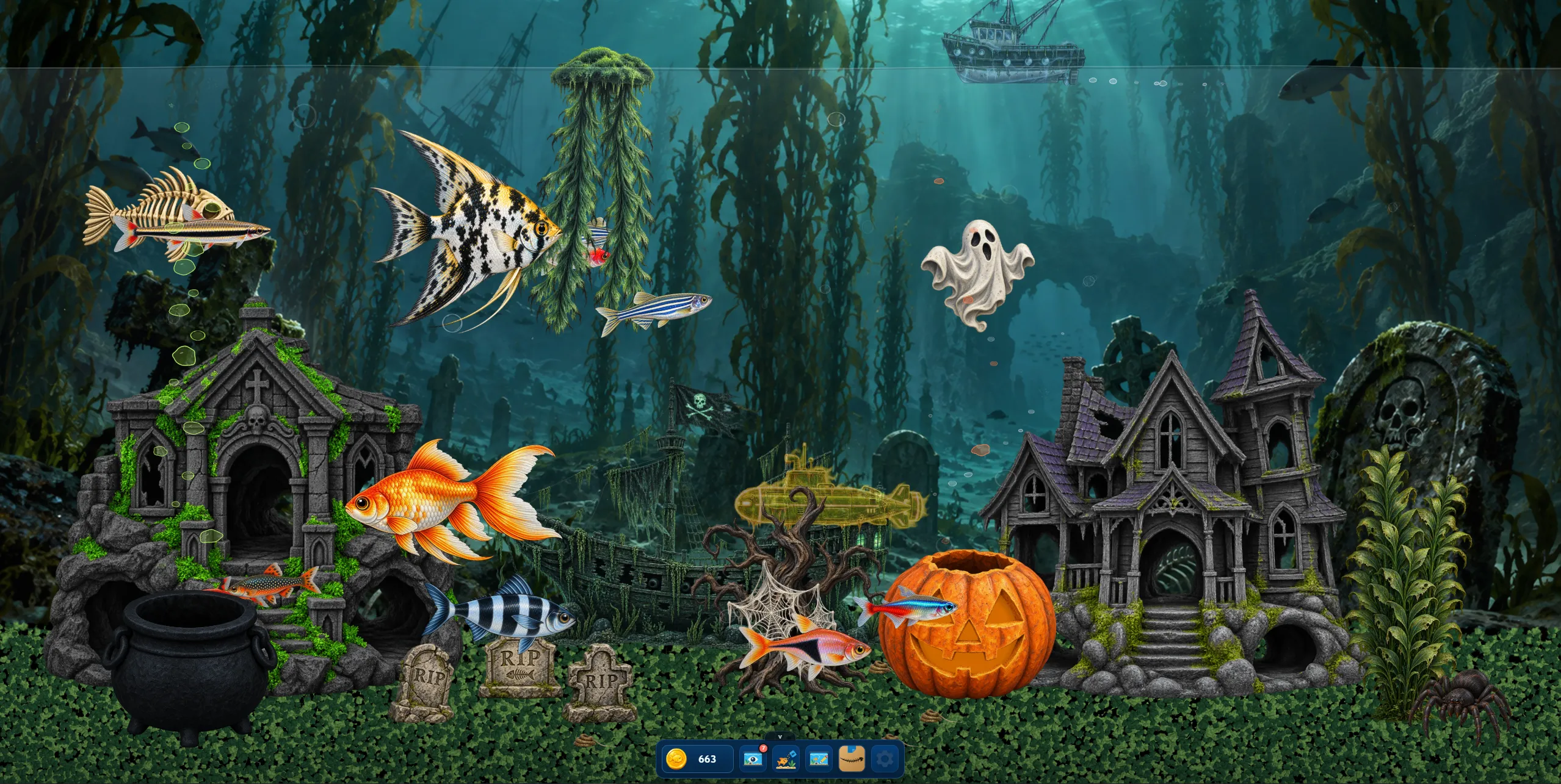
Arrange plants, rocks, caves, ornaments, backgrounds, and equipment.
See them swim, school, explore, hide, eat, and react to the world around them.
Feed, tidy up, and enjoy the tank at your own pace.
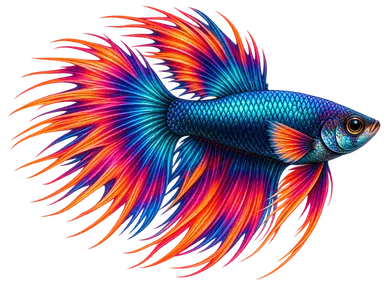
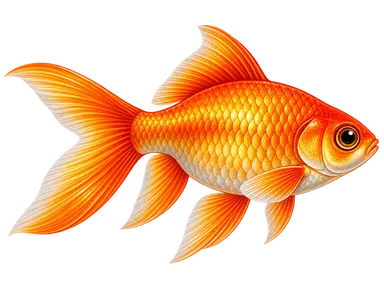
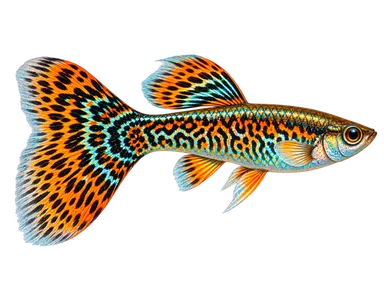
A few of the ordinary freshwater and saltwater animals waiting to join your tank.
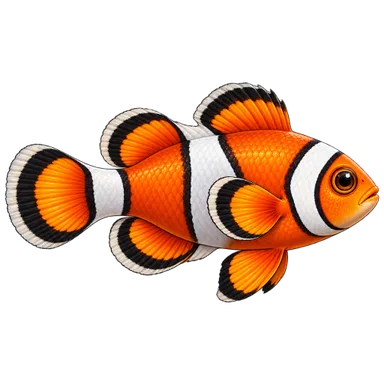
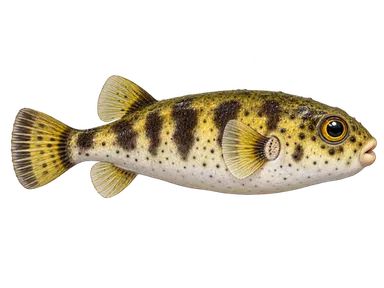
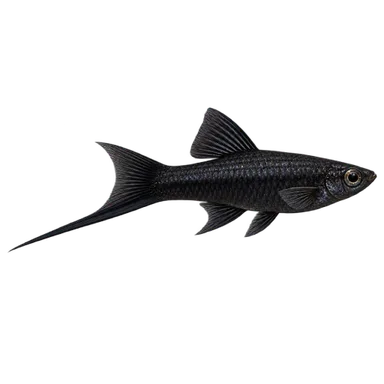
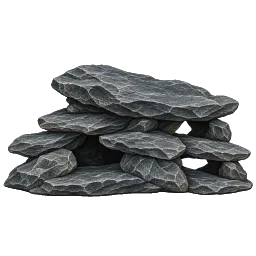
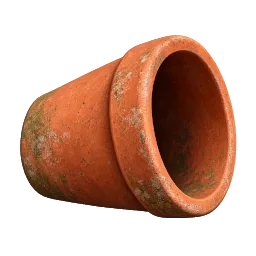
Shape your aquarium with plants, rocks, caves, ornaments, substrates, backgrounds, and custom content where supported. Make a peaceful natural scene, a reef, or something entirely yours.
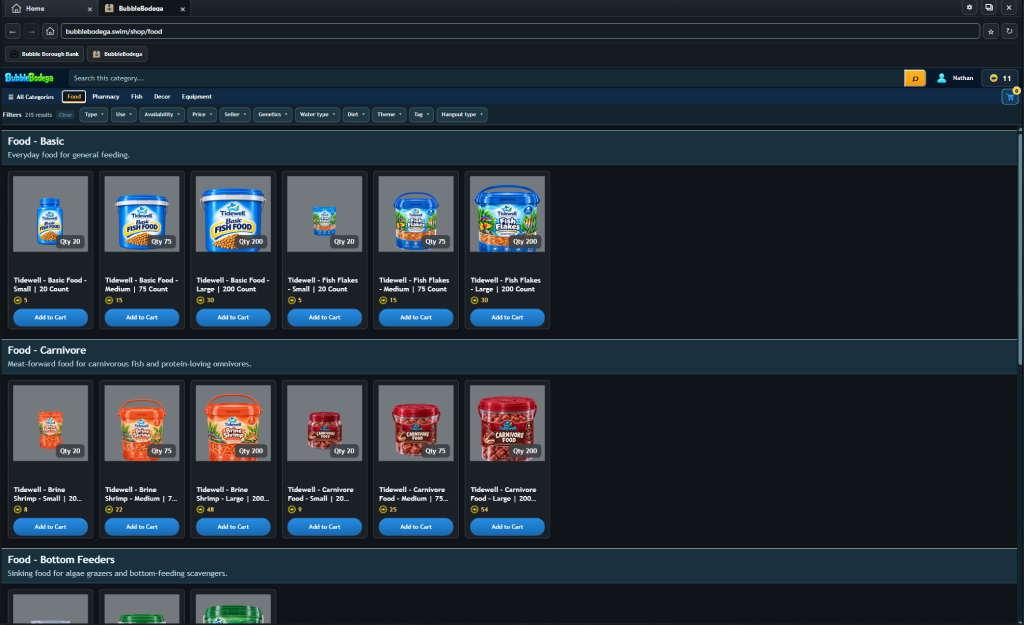
WebSurf is Bubble Borough’s in-game internet: visit BubbleBodega, check your bank, read email, and discover a few services around town. Some things are better found while you play.